
At the airport, you have to pay for just about everything. From parking to being able to check your bag to grabbing a snack, you are hit with ridiculously high fees every step you take when you are traveling.
That’s why it’s nice when there are a few free perks on offer. However, not all of those perks are necessarily ones you’ll want to take advantage of on your next trip.
In fact, the Transportation Safety Administration (TSA) has actually issued a stern warning that you should skip out on using two free perks that airports typically have on offer.
💵💰Don’t miss the move: Subscribe to TheStreet’s free daily newsletter 💰💵
Since the TSA screens around two million passengers per day on average and has been officially tasked with keeping the skies secure for all travelers, it’s worth paying attention to their warning and likely heeding it to avoid trouble.
The TSA has made clear that while these perks may seem very tempting, taking advantage of them can put you at risk, and it’s not worth doing. Here’s what those two perks are, along with some advice on why TSA says that you may just want to pass them up when you are sitting in the airport, headed to your next vacation destination.
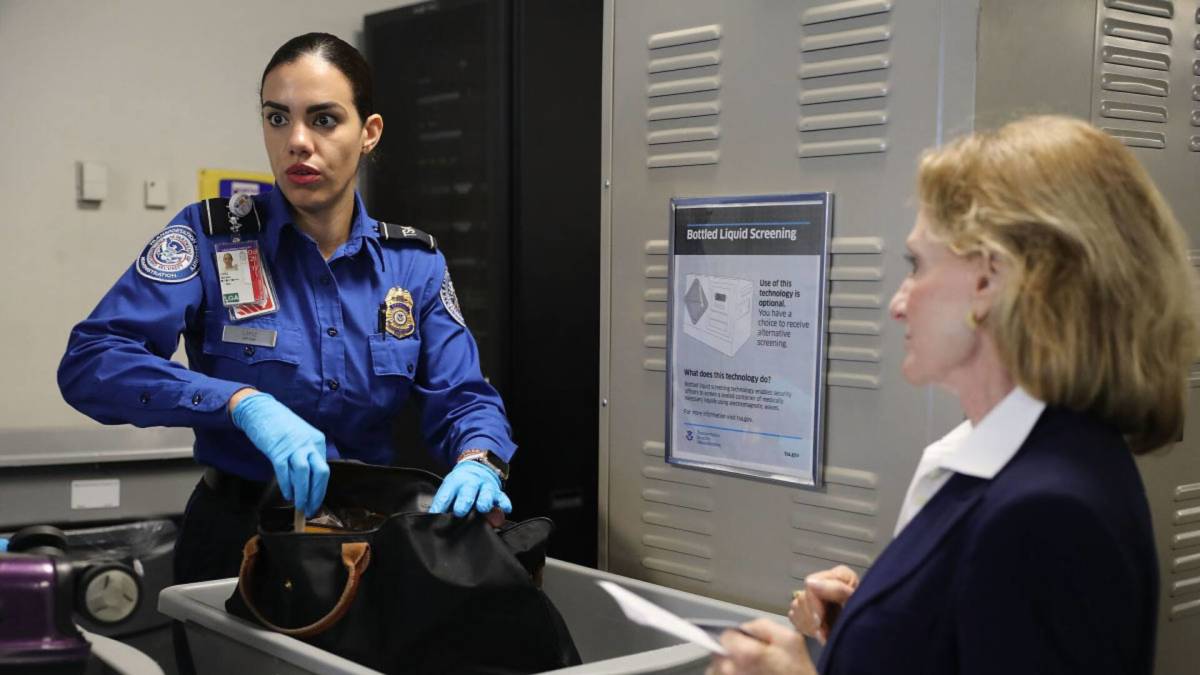 Listen to the TSA to keep your devices safe.
Image source: Platt/Getty Images
1. USB charging ports
The first airport perk that TSA says you should avoid using is USB ports that are set up at the airport to charge your devices. These convenient ports are found throughout the airport and may be very enticing when you are facing a long wait for your flight, but TSA has warned that they aren’t worth using.
“Hackers can install malware at USB ports (we’ve been told that’s called ‘juice/port jacking’),” the TSA said in a Facebook post earlier this year. “So, when you’re at an airport do not plug your phone directly into a USB port. Bring your TSA-compliant power brick or battery pack and plug in there.”
Related: TSA issues stern warning forbidding popular summer item
You should also be aware that portable batteries are becoming a problem, as they are prone to catching fire. These items are allowed only in carry-ons, not checked bags, and Southwest Airlines says they must be kept out and visible when using them on planes so airline personnel can act quickly if there is a problem.
Your best bet to avoid problems may be to simply pack an AC power outlet to keep your device charged without putting it at risk.
2. Public WiFi
Finally, the second airport freebie that TSA says to avoid is public WiFi. Most airports offer this and allow you to access it for free. Using it can seem very tempting, as you can connect your devices and kill time on the internet while you wait for your plane.
Related: Southwest Airlines cancels hundreds of flights from July to Sept.
However, the TSA doesn’t recommend this. In the same Facebook page that warned about the potential for hackers to add malware through your USB port, TSA also said, “Don’t use free public WiFi, especially if you’re planning to make any online purchases. Do not ever enter any sensitive info while using unsecure WiFi.”
If you definitely want to get onto WiFi, you can consider using a virtual private network to keep your device safe while making a connection. Still, to keep things simple, you may simply want to avoid entering any information into your computer over any public network.
More on travel:
- U.S. government issues serious warning for cruise passengers
- Delta Air Lines makes a baggage change that travelers will like
- United Airlines passenger incident triggers quick response
Follow the TSA’s warnings to stay safe
As you head out on your next summer travel adventure, keep these TSA safety tips in mind.
You don’t want to get to your destination, only to discover you’ve been hacked and have to spend the first day of your vacation trying to lock down your accounts and get your devices secured again.