
Your phone is now the front door to your money. It holds your banking apps, your two-factor codes, your tap-to-pay cards, and years of photos you’d never want to lose.
Most people treat monthly security updates as routine upkeep. You tap install before bed and wake up to a slightly safer device.
I cover payments and fintech, and I install those patches quickly because they close holes that scammers exploit. That habit still makes sense, but it assumes the update won’t lock you out of the phone itself.
Some owners of Alphabet’s (GOOGL) Pixel phones just learned that assumption can fail, and the way back in can cost them everything stored on the device.
September update breaks PIN and pattern unlock for some Pixel devices
Google’s September 2026 update caused lock-screen failures for a small number of Pixel owners, Notebookcheck reported Sept. 27. The affected phones stop accepting the correct PIN or pattern.
Reports so far cluster around three models, according to Notebookcheck and Android Authority:
- Pixel 10 Pro XL, where the unlock pattern resets after only two dots
- Pixel 8a, where the phone treats one digit as a full PIN and rejects it
- Pixel 8 Pro, where owners report similar PIN failures
One Pixel 10 Pro XL owner tried rebooting, Safe Mode, a connected mouse, and reinstalling the same software. Only a factory reset worked, and it erased the phone’s local data.
A Pixel 8a owner got back in after waiting out the “too many attempts” lockout timer. Google is contacting affected users in Reddit threads but hasn’t commented publicly, Android Authority said.
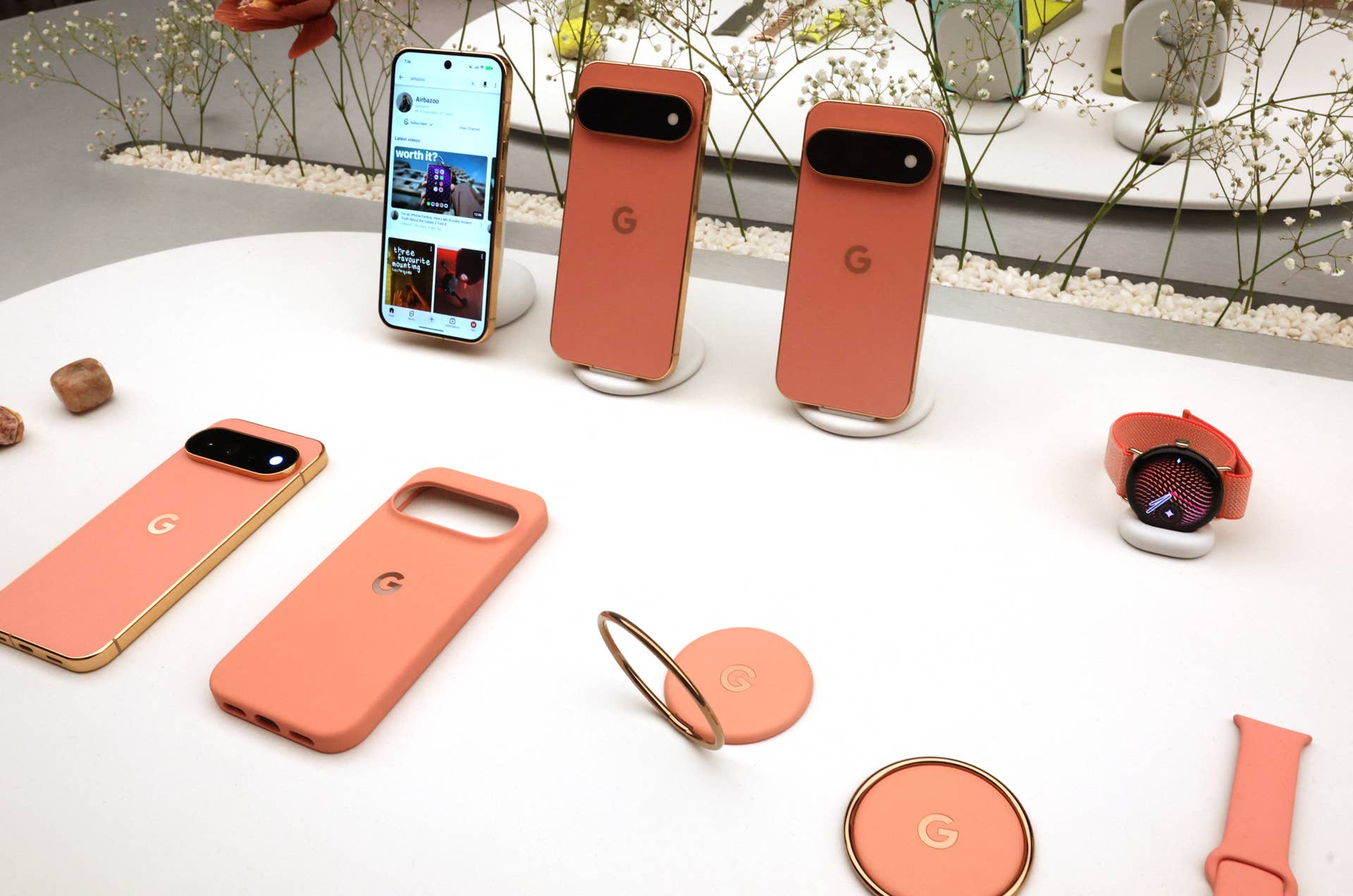 Google’s September update is locking some Pixel owners out of their phones.
TIMOTHY A. CLARY / Getty Images
Why Google can’t bypass a locked Pixel for you
Most of your files sit in encrypted storage that opens only after you unlock the phone, and its keys can’t be released without your PIN, pattern, or password, Android’s security documentation explains. Nobody, Google included, can skip the lock screen to pull out your photos.
That’s why Google’s advice is blunt. “If you can’t unlock your phone, you’ll need to erase it,” Google’s support page reads.
More Technology:
- Verizon takes on T-Mobile with new phone plan for customers
- Microsoft CEO names one key concern with its AI
- Mizuho makes bold call on SpaceX stock before key launch
An erase removes the apps, photos, and music stored on the phone. You can restore data backed up to your Google Account, but only if you know the PIN or pattern that was set when the backup ran, Google added.
The hardware isn’t the expensive part. The Pixel 10 Pro XL launched at $1,199, but unsynced photos and the authenticator codes guarding your bank and brokerage logins can be far harder to replace.
How Pixel owners can protect their photos and bank logins right now
If you haven’t installed the September update, back up your important data first or hold off until Google formally addresses the bug, Notebookcheck advised.
Either way, a short checklist helps:
- Confirm your photos have finished backing up to Google Photos.
- Turn on cloud sync in your authenticator app, or save backup codes for your financial logins.
- List which apps hold payment cards so you can re-add them after any reset.
If you’re already locked out, try waiting out the lockout timer before you erase anything. It worked for at least one owner, and an erase can’t be undone.
Security updates still protect your money, so don’t swear them off. Just make sure a five-minute backup check comes first.
Related: Google is about to make a major change to every Pixel device
